Lambdas
Lambdas is an experimental feature, inspired by AWS Lambdas, to launch serverless functions. This is another way to allow users to write custom code. A Lambda function looks as follows:
def handler(event:dict, context):
    pass
Here event is a dictionary that contains a payload that can be used to get data. To use a Lambda function
in the workflow setting:
-
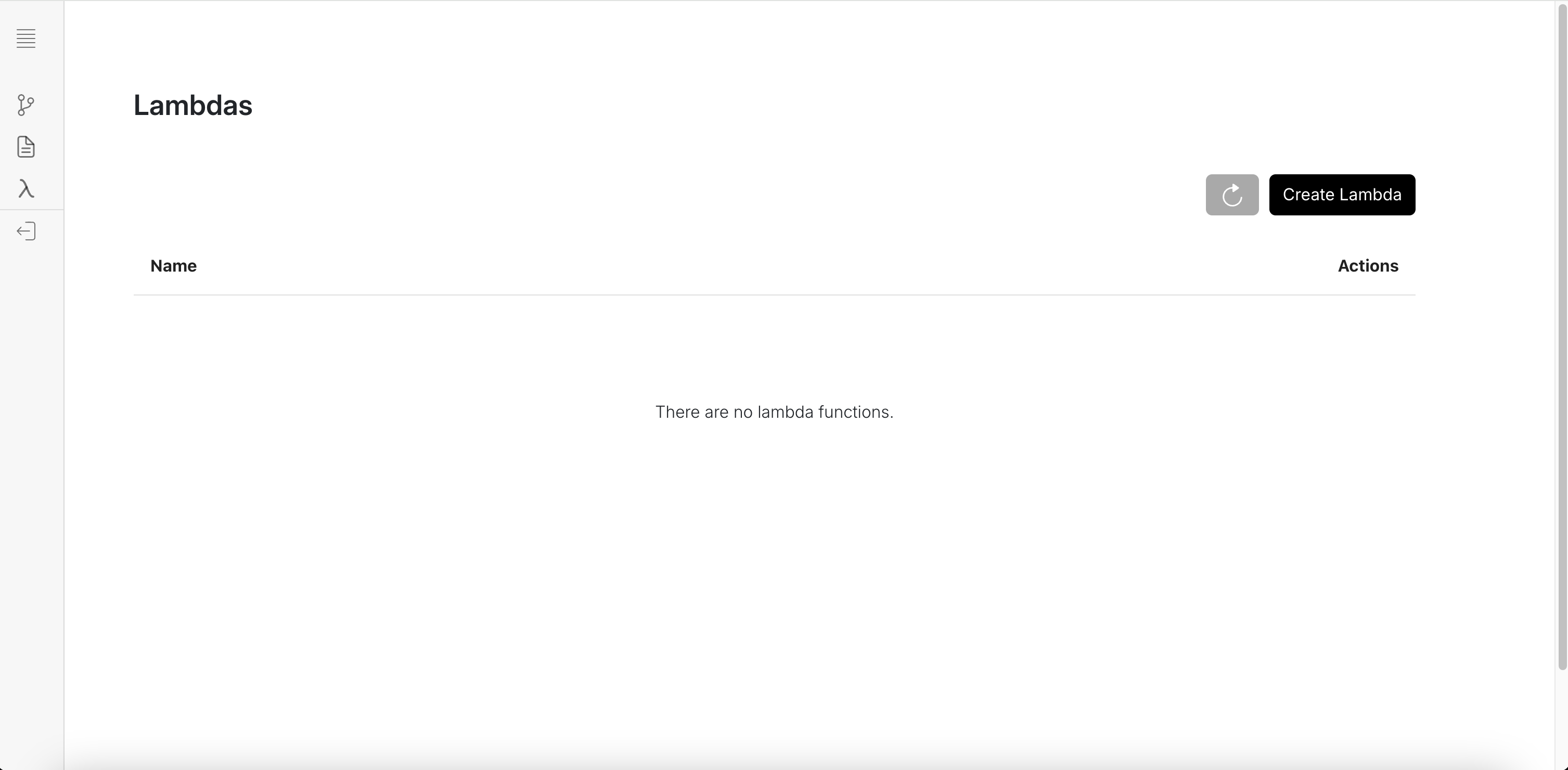
Create a lambda function from the Lambdas page by clicking Create Lambda
A modal will pop up where you can write your Lambda function. If another block in the workflow sends a data to the lambda function, you can access that via:
lib/otto_backend/lambdas/handler.pydef handler(event:dict, context):
incoming_block_data = event.get("data")
# Do something with the incoming block_dataevent.get("data")is used to access an incoming block's data because of how the Lambda Block is implemented.lib/otto_backend/implementations/integrations/lambda_function/lambda_function.pyimport requests
import json
from implementations.base import (
BaseImplementation,
BlockMetadata,
Field,
FieldType
)
from core.input_parser.integration_inp_parser import BasicIntegrationInputParser
class LambdaFunction(BaseImplementation):
...
def __init__(self, run_config: dict) -> None:
self.run_config = run_config
self.function_name = self.run_config.get('lambda_function_name')
self.deployment_url = self.get_lambda_function()
def run(self, input_ = None):
parse_input = BasicIntegrationInputParser(input_)
# TODO: By json.loads here, we are assuming that the input is json. Can we enforce that via some data structure?
data = {"data" : parse_input()}
payload = {
"event": data,
"context": {
"run_config": self.run_config
}
}
response = requests.request(
method='POST',
url=self.deployment_url,
json=payload
)
if response.status_code != 200:
raise Exception(response.text)
return response.json()
def get_lambda_function(self):
...
return urlPlease Note: At the moment only one block can be connected to a Lambda block. In order to change that you may want to create a custom Lambda block and change lines 21-23.
-
Create a new workflow, and select the Lambda Function from the Add Block sidebar. Select the Lambda function that you deployed or want to use. Then, connect a block that you want its data passed onto the Lambda function for processing.
Under the hood
When you create a lambda function, under the hood, we are creating a docker container that mounts the lib/otto_backend/lambdas
directory on the container, and then writes to the handler.py file. This handler.py file is then referenced in a FastAPI server in
lib/otto_backend/lambdas/server.py which lets you interact with the Lambda function.
The ideal use case for the Lambda function would be to launch seperate docker containers (by separate we mean separate from any workflow containers).